
Back to Scala
Discovery
Leaving a familiar ground of Java, Maven and Spring Boot, and switching back to another JVM language - Scala - shouldn’t be a Big Deal, right?
Especially when once upon a time I did complete two Cursera courses about Scala and Functional Programming, which - as far as I remember - were really eye-opening, rewarding and funny.
Let’s dive into remote memories…
When I was learning Clojure, I had one issue (no, it was not about parenthesis; those serve me well) and it was: learning Emacs. An adventure of its own. Also, some language concepts needed to settle in my head. My fingers needed to learn paredit shortcuts. And I had a lot of fun.
Kotlin was even more fun, and that’s because it has brought a feeling of a deep relief: similar to Scala, but much simpler; with familiar non-lispy syntax; better Java and without such scary typesystem (not to mention I could use an excellent Jetbrains IDE).
I played with Golang and Rust. Both languages have a valuable property of being sufficienlty “cathedral-ic” to have:
- an excellent commandline tooling
- comprehensive webpage
- a comitee/team which decides the direction the language would follow
- top-noth package / build management system (I ❤️Cargo!)
- crazy smart devs doing briliant software (and a lot of it!)
Now, I decided to refresh my memory and check how it is to learn and program with Scala. So I left my Java land and set my navigation tools in the direction of Scala.
Confusion
First, I needed to install something, probably a scala compiler.
Which one
Wait, there are two Scalas:
- Scala 2 (which seem not to be binary compatible between releases)
- and Scala 3 (which follows its own compatibility rules
Oh, do we have Python2 vs Python3 story here? Oh, and each has its own LTS?
Good. It should not matter which Scala I use if I have a good tooling.
What should I install
I should follow scala-lang instructions, so I installed coursier.
- It installed scala-cli - not sure why I need it if for dependencies I have coursier and sbt, and for scripting I have ammonite? Ah, it has using directives, runs .sc files which might have top level statements
- it installed sbt which looks a bit complex to grasp (see sbt docs) - my mental model is that it is maven replacement in Scala ecosystem
- also, ammonite - which should helo with scala scripting - worth checking out (udpate: it breaks on Ubuntu)
- and scalafmt - nice, I hope scala code can be well formatted automatically!
Do I need all of it? I’m confused.
Metals
There is a language server metals which just does not want to play well with VisualStudioCode. It just stops working. I’m confused again.
Interestingly, it kinda works when I use helix editor - it is explicitly supported but LSP features don’t work as expected (compared to eg LSP support for Rust)
It supports Emacs, but after looking at the emacs config example I’m not sure I want to use it.
Intellij
In the end, I switched to Intelij as it seems to be more stable than Metals with VSCode. However, Scala plugin is it saying strange things to me sometimes and also shows red curly lines and then those lines disappear suddenly. So I’m a bit confused.
Hands to code
I found scala toolkit and played a bit with it. Nice. On the toolkit introduction page I found six ways of running the code. I looked at mill, tried it and confused some commands with sbt.
If mill is simpler than sbt, then fine, but I don’t do sbt-complex things (yet) so I’ll stick with sbt. Unless I get more confused with sbt than I am with mill.
Libraries
- cats
- cats effects
- tapir
Would I live long enough to get it? I need a good Algebra book first I guess.
Today I learned on youtube that “effects” in “cats effects” have nothing to do with “side effects”. Confusion, again.
The journey begins
Even the most daunting and massive undertakings are accomplished through a series of small, manageable actions.
“A journey of a thousand miles begins with a single step.”
Lao Tzu in “Tao Te Ching”
Perhaps Gemini could plan my learning of Scala?…
Credits
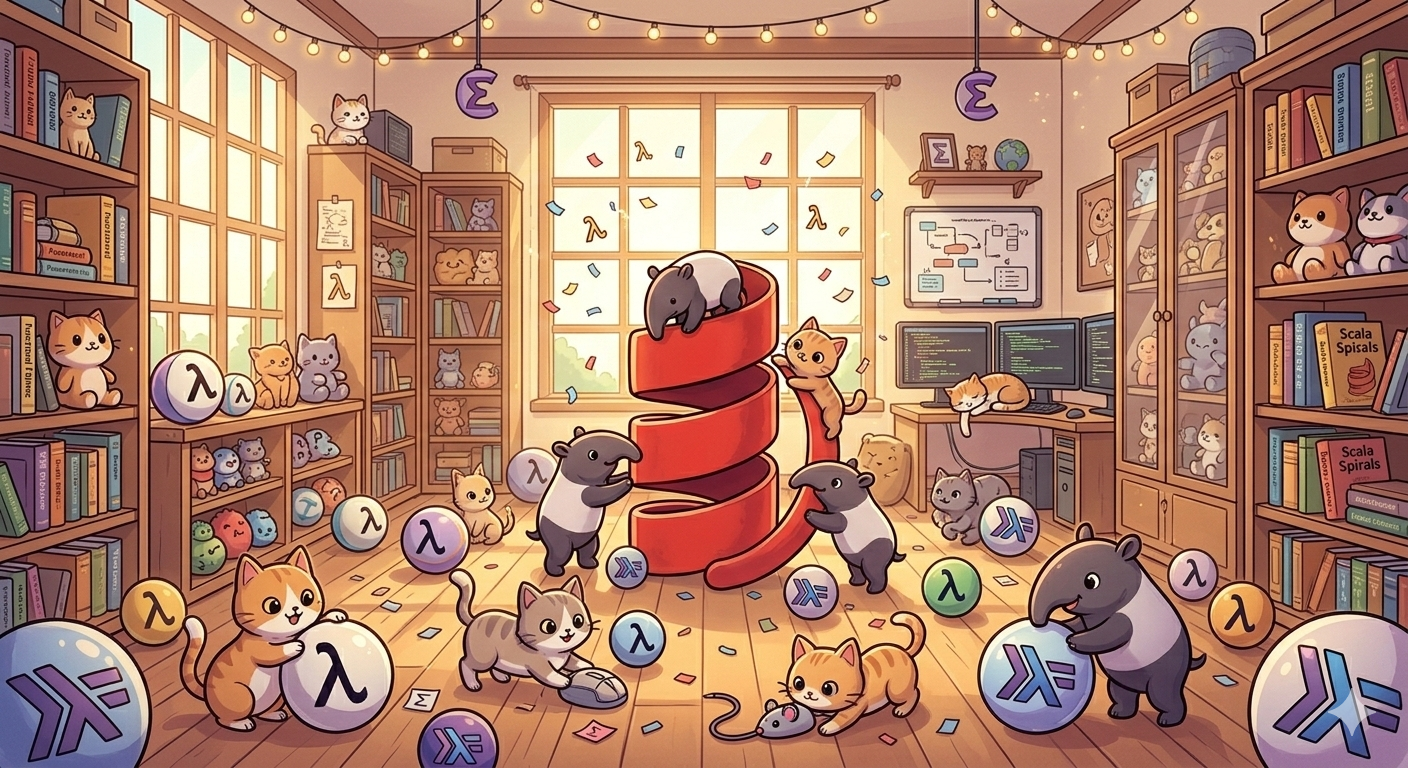
Happy cats and tapirs in server room generated with Gemini.